Help in the app.
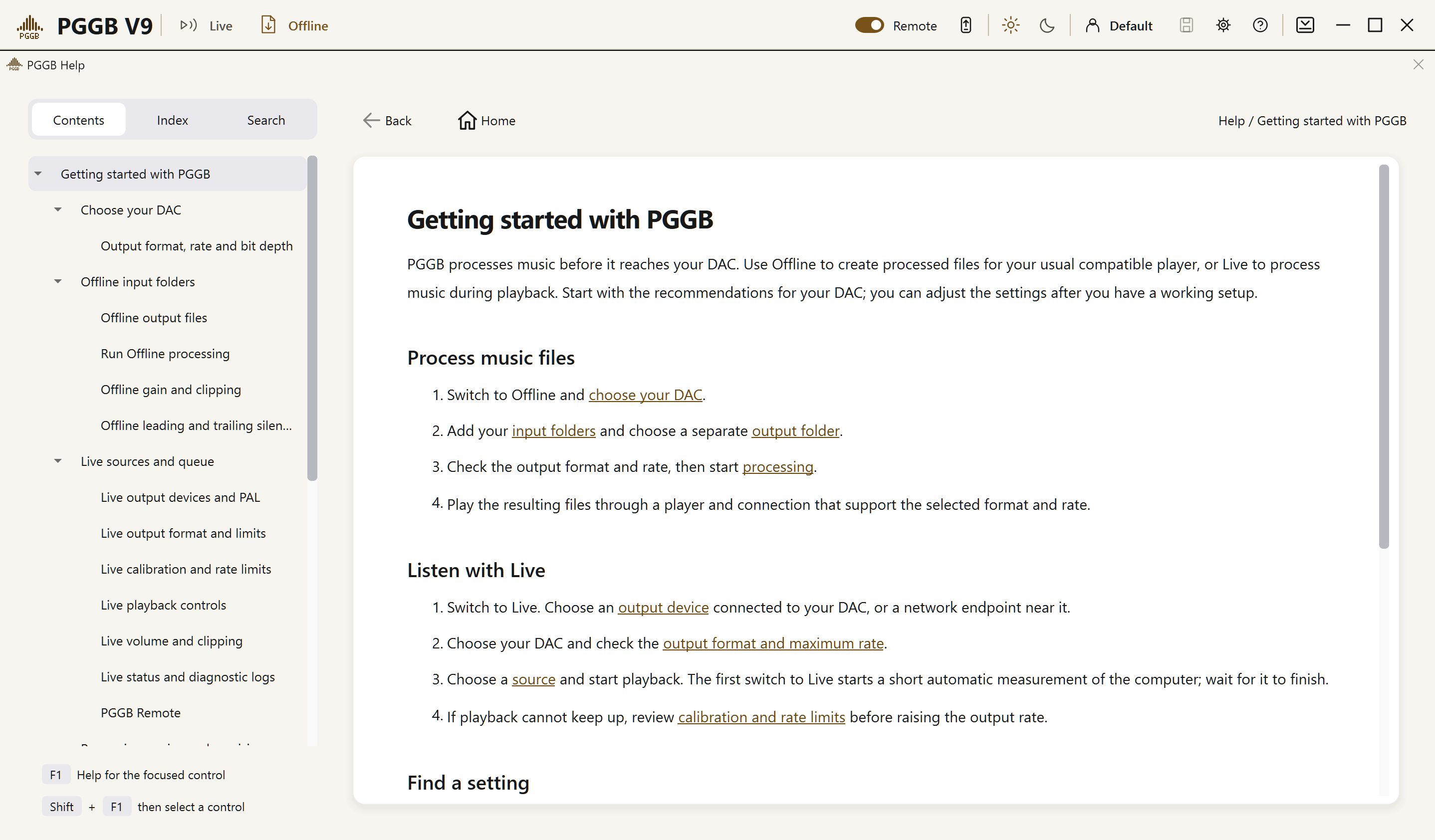
Click the Help icon (question mark) beside the Settings icon to open built-in Help. Browse the Contents, look up a term in the Index, or use Search to find a topic. The help pages are installed with PGGB, so you can read them without an internet connection.
On Windows, focus a control and press F1 to open its help topic. Or press Shift+F1, then click the control. If no help topic covers it, Shift+F1 keeps the short help popup.
Use Show me in a help topic to find a control. PGGB brings it into view and briefly outlines it. If it is unavailable, a note explains why and how to reach it. A page for the other mode may open with its controls disabled. Show me does not switch modes, change settings or start playback or processing.