Why choose Live.
- Listen to your own files or a streaming service through a compatible player.
- Avoid storing a second, upsampled copy of your library.
- Try different output settings without preparing new files each time.
PGGB / Live
PGGB-Live upsamples music in real time between your source and DAC. It does not create a second library of files.
Live / 01
Live / 02
Choose music in a compatible player. PGGB processes the signal in real time before it reaches your DAC.
PGGB-Audio-Link (PAL) is a small, free program that runs on the computer connected to your DAC. PGGB sends the processed music to it over your home network, so the processing computer can sit away from your listening system and provide isolation.
PAL is the preferred network endpoint where available. It provides a better playback experience by allowing PGGB to control the upsampled music all the way to your DAC. Use a compatible UPnP endpoint when PAL is not an option.
PAL supports Windows, Mac, Debian, Ubuntu, Raspberry Pi OS, Fedora and Arch Linux.
PAL sends the DAC’s supported rates back to PGGB and supports native DSD where the endpoint and DAC allow it.
Set up PGGB-Audio-Link ↗Live / 03
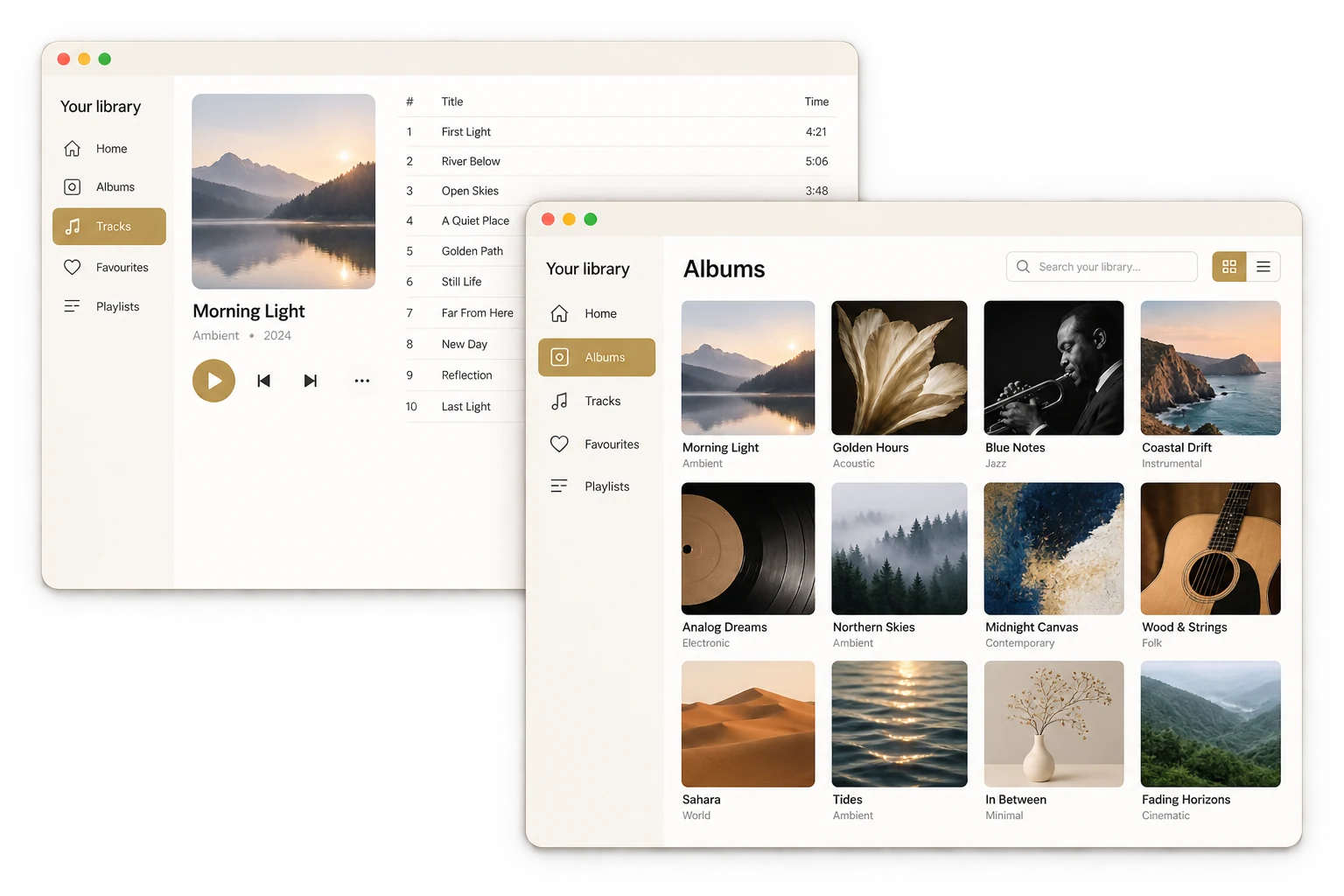
Play your own files directly, or send music from a compatible player or UPnP source. Qobuz and TIDAL can be used through a supported player or connection.
PGGB upsamples the music during playback, so you do not need to save a processed copy. The music still comes from your source.

A phone, tablet or another computer on the same home network can control PGGB-Live from a browser. No separate phone app is needed.
Choose tracks, manage the queue and control playback from your seat. The PGGB computer still processes the music and sends it to your DAC.
Remote is optional; you can also control everything at the PGGB computer.
Live / 04
Play tracks from your music library directly in PGGB-Live. There is no need to create a second, upsampled library first.
Choose music in a compatible player, including Qobuz or TIDAL where supported. PGGB receives the audio through a connection supported on your platform.
Use Follow Roon to bring the current track and cover art into PGGB while Roon sends the audio through the Bridge.
If you rename the Roon zone, keep “PGGB” in its name to help PGGB identify it. With several matching zones, PGGB follows the only one playing; otherwise it keeps its current match, or takes the first Roon sends if none is followed yet.
PGGB with Roon ↗A supported UPnP source can send music to PGGB across your home network. The music source, processing computer and playback endpoint can be separate devices.
What you can connect depends on your player, operating system and connection. PGGB works with your source; it does not replace a streaming subscription.
Live / 05
Get started covers the download, your DAC and how you play music. It ends with a walkthrough of the PGGB settings for your setup.