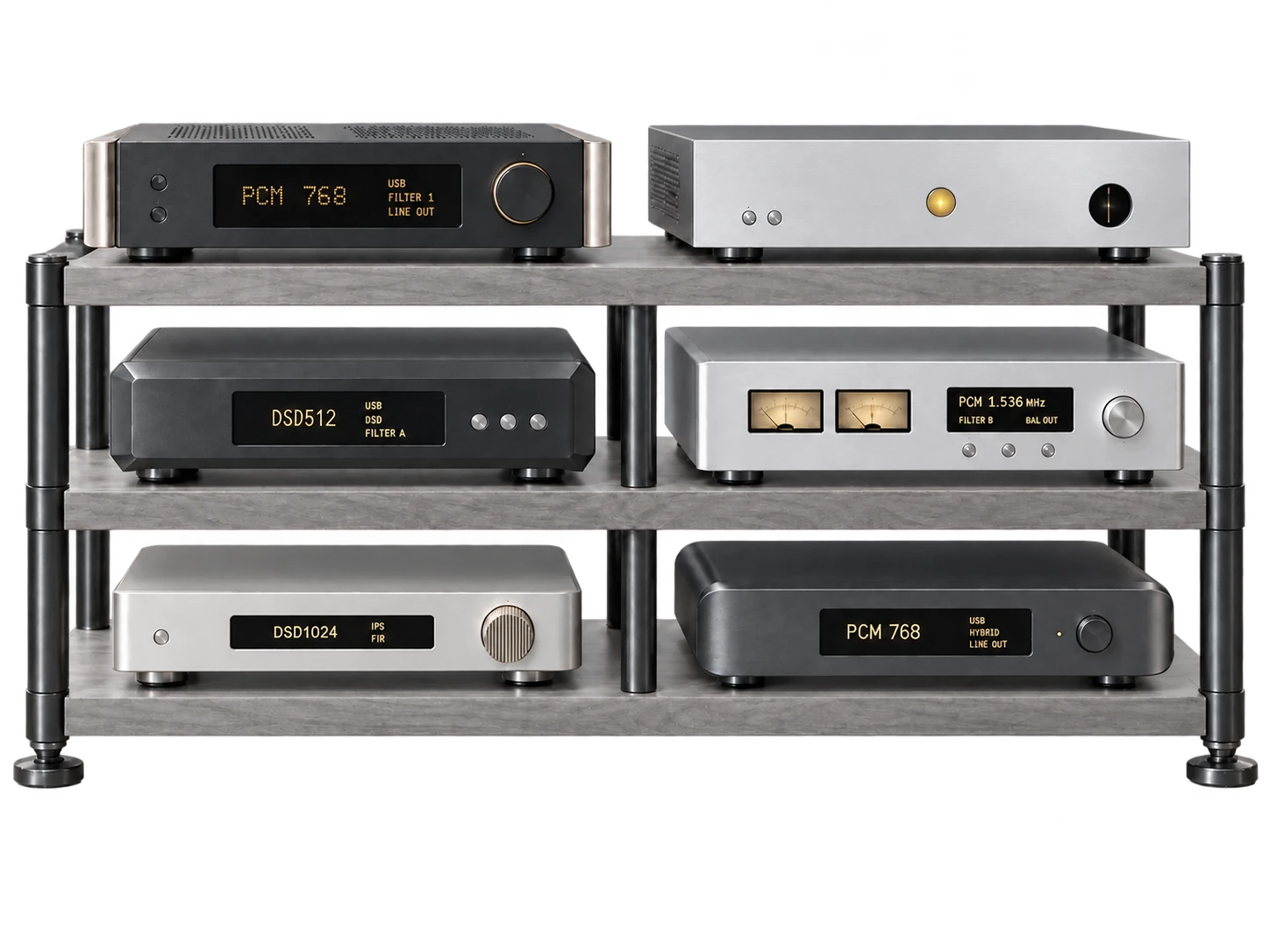
Recommended settings for your DAC.
Select a model to see its recommended output settings.
You don’t need a new DAC to try PGGB.
PGGB / Your system
Find your DAC model to see how it can benefit from PGGB, including listening impressions and a recommended output format and rate. Detailed reports are included where available.
Find your model
Select your model to see our recommended settings, or choose Other DACs for a starting point based on its design.
Select a model to see its recommended output settings.
You don’t need a new DAC to try PGGB.
Recommended output rate
Use USB for the highest rates. This ESS-based option board still processes the signal internally; it is not a pure 1-bit DSD path.
USB accepts PCM up to 384 kHz / 32-bit and DSD256 with ASIO. Coaxial is limited to PCM 192 kHz and optical to PCM 96 kHz.
Recommended output rate
Use native DSD for the separate DSD conversion path, or choose NOS mode for PCM.
The R-1 MK3 specification lists USB PCM up to 384 kHz / 32-bit and DSD512. Check input and firmware differences on other R-series models.
Recommended output rate
These reports refer to the USB2-upgraded configuration.
Reported as used with PGGB by listeners or by us. The badge does not imply laboratory verification or measurements.
Recommended output rate
Use the dedicated 1-bit DSD conversion path. USB reaches DSD256 with the appropriate MDx hardware/firmware; the network input is limited to DSD128.
The M3 manual specifies PCM up to 384 kHz / 24-bit, USB DSD256 and network DSD128.
Recommended output rate
Match the rate to the exact model and input. Some DAVE users prefer the DSD+ filter with DSD512. We recommend DSD256.
Chord specifies PCM up to 768 kHz / 32-bit over USB and DSD up to DSD512. The available rate depends on the input and DSD transport. Our recommended DSD starting point remains DSD256.
Reported as used with PGGB by listeners or by us. The badge does not imply laboratory verification or measurements.
Recommended output rate
Match the rate to the exact model and input.
Chord publishes 768 kHz / 32-bit PCM over USB for all five. DSD512 needs the native USB path, which on Windows means Chord’s own driver; over DoP all five stop at DSD256, and the two Mojos have no native path at all.
Reported as used with PGGB by listeners or by us. The badge does not imply laboratory verification or measurements.
Recommended output rate
Use PCM with noise shaping.
Dangerous Music publishes 192 kHz PCM for the Convert-2, and it does not accept DSD.
Reported as used with PGGB by listeners or by us. The badge does not imply laboratory verification or measurements.
Recommended output rate
Use DSD128 over DoP, or 352.8 / 384 kHz PCM. PGGB use has been reported; this is not a claim of unprocessed DSD conversion.
Bartók accepts PCM up to 384 kHz / 24-bit and DSD128 over USB and Ethernet. USB DSD is carried as DoP.
Reported as used with PGGB by listeners or by us. The badge does not imply laboratory verification or measurements.
Recommended output rate
For USB, start with DSD128 over DoP or 352.8 / 384 kHz PCM. The network input accepts DSD512 when the player and network path support it. PGGB use has been reported.
Varèse’s network input accepts PCM up to 384 kHz / 24-bit and DSD512. The optional I/O module’s USB input accepts PCM up to 384 kHz / 24-bit and DSD128 over DoP. The recommendation here is for USB.
Reported as used with PGGB by listeners or by us. The badge does not imply laboratory verification or measurements.
Recommended output rate
Use DSD128 over DoP, or 352.8 / 384 kHz PCM. PGGB use has been reported; the dCS Ring DAC still has its own internal processing.
Vivaldi accepts PCM up to 384 kHz / 24-bit and DSD128 over USB or dual AES. Single AES and S/PDIF have lower limits.
Reported as used with PGGB by listeners or by us. The badge does not imply laboratory verification or measurements.
Recommended output rate
Start with DSD1024 over a compatible native USB path, or high-rate PCM. Denafrips describes separate DSD hardware decoding.
Denafrips publishes USB PCM up to 1.536 MHz / 24-bit and DSD1024. Its Ares II manual describes a 24-bit R2R PCM decoder and a 32-step FIR analog-filter hardware decoder for DSD.
Recommended output rate
DSD remains our preferred starting point. Denafrips describes separate hardware decoding for DSD on Terminator and Terminator-Plus. The lower recommended PCM bit depth targets the ladder’s linear operating range. Check the input and revision of your DAC.
The original Terminator-Plus manual specifies USB PCM up to 1.536 MHz / 24-bit and native DSD1024. It describes separate R2R PCM and FIR analog-filter DSD decoders, and says DSD is not internally upsampled. Later 15th-edition specifications differ: use the manual for your exact revision.
Reported as used with PGGB by listeners or by us. The badge does not imply laboratory verification or measurements.
Recommended output rate
Use USB or I²S for the highest rates. WANDLA’s ESS conversion stage retains internal processing; accepting DSD does not make it a pure DSD path.
The September 2024 manual specifies PCM up to 768 kHz / 32-bit and native DSD512 over USB or I²S, with DoP up to DSD256. Earlier material listed lower DSD limits.
Recommended output rate
Use firmware with the corrected direct DSD path, enable DSD Direct and select the wide DSD filter. Start at DSD128 or DSD256 for the direct path; the higher DSD512 input limit does not apply to that path.
USB and I²S accept PCM up to 768 kHz / 32-bit and native DSD512; DoP reaches DSD256.
Recommended output rate
Use firmware with the corrected direct DSD path and enable DSD Direct. Start at DSD128 or DSD256 for the direct path; the higher DSD512 input limit does not apply to that path.
USB and LAN support PCM up to 768 kHz / 32-bit and native DSD512.
Recommended output rate
Enable DSD Direct for the separate DSD path, or NOS for PCM. DSD1024 needs the I²S input; the USB recommendation is DSD512.
USB accepts PCM up to 768 kHz / 32-bit and DSD512; I²S accepts DSD1024. Check the network renderer separately.
Recommended output rate
Start at DSD512 over USB or network, with DSD Direct enabled. I²S can accept DSD1024, and some I²S modes accept higher PCM rates. PGGB listening impressions are linked above.
USB and network accept PCM up to 768 kHz / 32-bit and DSD512. I²S (G) accepts PCM 768 kHz and DSD1024; I²S modes 1–4 accept PCM 1.536 MHz / 32-bit and DSD1024.
Reported as used with PGGB by listeners or by us. The badge does not imply laboratory verification or measurements.
Recommended output rate
The reported configuration uses the ESS 9038 Pro DAC in NOS mode.
Reported as used with PGGB by listeners or by us. The badge does not imply laboratory verification or measurements.
Recommended output rate
Cyan 2 has separate NOS PCM and DSD paths. Use native DSD for DSD1024; DoP is limited to DSD512.
USB and I²S accept PCM up to 1.536 MHz / 32-bit and native DSD1024; USB DoP reaches DSD512. S/PDIF inputs have lower limits.
Reported as used with PGGB by listeners or by us. The badge does not imply laboratory verification or measurements.
Recommended output rate
Choose NOS mode. Start at DSD1024 with a suitable native USB path, or PCM 1.4112 / 1.536 MHz. The lower recommended PCM output bit depth targets the ladder’s linear operating range; its input accepts up to 32 bits. Check your USB module and firmware for the available rates.
The May and Spring 3 manuals specify USB / I²S PCM up to 1.536 MHz / 32-bit and native DSD1024 (DoP512). Older compatibility firmware may stop at PCM 768 kHz and DSD512. The DSD2048 user report is not a manufacturer-supported limit.
Reported as used with PGGB by listeners or by us. The badge does not imply laboratory verification or measurements.
Recommended output rate
Select NOS mode for the separate PCM and DSD conversion paths. These starting points are for the original Spring, not Spring 2 or 3.
The original software guide describes native DSD512 setup; the hardware guide describes NOS mode. The archived guides do not give a complete input-rate/bit-depth table: confirm your USB-module revision and PCM bit depth before increasing them.
Recommended output rate
Select NOS mode. PCM 1.4112 / 1.536 MHz and native DSD1024 need the appropriate USB firmware; compatibility firmware may stop at PCM 768 kHz and DSD512.
Holo’s support notes specify PCM 1.536 MHz and DSD1024 with firmware 30.12. Firmware 30.14 is limited to PCM 768 kHz and DSD512. Check the USB module, host and installed firmware before selecting the higher rates.
Recommended output rate
Use USB for the highest rates. iFi provides separate PCM and DSD signal paths; the computer’s driver and transport set the available DSD rate.
The original NEO iDSD supports USB PCM up to 768 kHz / 32-bit and DSD512. Bluetooth and S/PDIF do not provide those rates.
Recommended output rate
Use the rate supported by your selected input and driver.
Reported as used with PGGB by listeners or by us. The badge does not imply laboratory verification or measurements.
Recommended output rate
Connect by USB for high-rate PCM or DSD; Bluetooth is not a high-rate DSD path.
USB supports PCM up to 768 kHz / 32-bit and DSD512. Other inputs have lower limits.
Recommended output rate
Use NOS mode with PCM. Start at 705.6 / 768 kHz, the manufacturer’s published limit.
LAIV publishes USB and I²S support up to PCM 768 kHz / 32-bit and DSD256.
Recommended output rate
Use USB for DSD128.
The USB input supports PCM up to 192 kHz / 24-bit and DSD128.
Recommended output rate
Use the USB-DAC input. Marantz Musical Mastering converts PCM internally to DSD; DSD input avoids that PCM-to-DSD conversion.
The USB-DAC input supports PCM up to 384 kHz / 32-bit and DSD256. Disc playback and other digital inputs have different limits.
Recommended output rate
Reports include Pro ISL and Digital Director configurations. Match the output to the installed input hardware.
Reported as used with PGGB by listeners or by us. The badge does not imply laboratory verification or measurements.
Recommended output rate
Use USB for DSD256.
The manual specifies USB PCM up to 192 kHz / 32-bit and DSD256; optical inputs have lower PCM limits.
Recommended output rate
DSD256 is the reported combination; consult your model’s documentation for other modes.
Playback Designs publishes 384 kHz / 24-bit PCM and DSD256 over USB for the MPD-8 and MPS-8.
Reported as used with PGGB by listeners or by us. The badge does not imply laboratory verification or measurements.
Recommended output rate
Choose DSD Direct for the line outputs. It disables DSP and digital volume control and is not the headphone-output path. This entry applies to AKM versions, not the later ESS revision.
The AKM-version manual specifies USB PCM up to 768 kHz / 32-bit and DSD256.
Recommended output rate
Choose NOS and send PCM for the unoversampled ladder path. DSD input is converted to PCM internally.
USB and I²S accept PCM up to 384 kHz / 32-bit and DSD512. Other inputs have lower limits.
Recommended output rate
Choose NOS and send PCM for the unoversampled ladder path. DSD input is converted to PCM internally.
USB and I²S accept PCM up to 384 kHz / 32-bit and DSD512. Other inputs have lower limits.
Recommended output rate
Select NOS mode and use USB for 352.8 / 384 kHz PCM. This is a PCM-only DAC.
Unison USB supports PCM up to 384 kHz / 32-bit; the other digital inputs stop at 192 kHz. DSD is not supported.
Recommended output rate
The direct DSD path requires corrected firmware. Start at DSD512 and confirm your unit’s firmware version.
USB supports PCM up to 768 kHz / 32-bit and DSD512.
Recommended output rate
Start at DSD256 with the narrow DSD filter.
USB accepts PCM up to 768 kHz / 32-bit and DSD512. The preferred DSD256 setting is below the input maximum.
Recommended output rate
Use the separate True 1 Bit DSD path. Native DSD1024 needs a compatible USB driver and host; Mac USB playback uses DoP at lower rates.
USB accepts PCM up to 768 kHz / 32-bit and DSD1024. T+A specifies Windows ASIO or a suitable Linux host for native high-rate DSD. Other inputs have lower limits.
Reported as used with PGGB by listeners or by us. The badge does not imply laboratory verification or measurements.
Recommended output rate
Use the separate True 1 Bit DSD path. Native DSD1024 needs a compatible USB driver and host; Mac USB playback uses DoP at lower rates.
USB accepts PCM up to 768 kHz / 32-bit and DSD1024. T+A specifies Windows ASIO or a suitable Linux host for native high-rate DSD. Other inputs have lower limits.
Recommended output rate
NOS2 is the reported PCM mode. Available DSD rates depend on the model and connection.
Reported as used with PGGB by listeners or by us. The badge does not imply laboratory verification or measurements.
Recommended output rate
Use USB and confirm the installed firmware. Earlier manuals list lower PCM limits than TEAC’s current product specification.
TEAC’s current product page lists PCM 384 kHz / 32-bit and DSD128. Check the driver and firmware on older units.
Recommended output rate
Use USB for DSD256. The NT-503 network player has lower limits. These are the AKM-based 503 models.
USB supports PCM up to 384 kHz / 32-bit and DSD256. NT-503 network playback is limited to PCM 192 kHz and DSD128.
Recommended output rate
This entry is for the original AKM-based UD-505. Do not apply its DSD-path notes to the ESS-based UD-505-X.
TEAC’s model comparison lists USB PCM up to 768 kHz / 32-bit and DSD512 for UD-505.
Recommended output rate
Use DSD Direct for the discrete DSD path. This model’s PCM input stops at 384 kHz, despite higher PCM rates on some earlier TEAC models.
USB accepts PCM up to 384 kHz / 32-bit and DSD512.
Recommended output rate
Choose DSD Direct mode to use the discrete DSD path without internal DSD filtering. PCM follows a different processing path.
USB and network playback support PCM up to 384 kHz / 32-bit and DSD512. Native DSD and DoP have different transport limits.
Recommended output rate
Confirm the exact model, input and driver before choosing the rate.
Reported as used with PGGB by listeners or by us. The badge does not imply laboratory verification or measurements.
Recommended output rate
For the direct DSD path, use current firmware, line output and DSD bypass mode. Start at DSD256; bypass mode does not support DSD512. Use 44.1 kHz-base DSD rates.
The input accepts PCM up to 768 kHz / 32-bit and native DSD512 (DoP256). Topping’s FAQ separately excludes DSD512 when DSD bypass is enabled.
Recommended output rate
NOS mode is the reported configuration.
Reported as used with PGGB by listeners or by us. The badge does not imply laboratory verification or measurements.
NOS means non-oversampling; R2R refers to a resistor-ladder design. Choose this type if your DAC can play without oversampling or lets you turn its oversampling filter off.
Recommended output rate
High-rate PCM is a good starting point. Check the supported input rate and whether the DAC’s oversampling filter can be turned off.
Some NOS / R2R DACs also provide a separate DSD conversion path, including models from Gustard, Holo Audio and the Denafrips Terminator range. If your DAC provides a dedicated DSD path, DSD is our recommended starting point. Check the manufacturer’s description for your exact model.
Still unsure? Contact us for help ↗ Tell us your DAC model and how you connect it.
These DACs work best with PCM input. This group also includes DACs that accept DSD but convert it to PCM internally.
Recommended output rate
Start with the highest PCM rate and bit depth your DAC accepts.
Still unsure? Contact us for help ↗ Tell us your DAC model and how you connect it.
Delta-sigma DACs internally upsample both PCM and DSD input signals. Some processing may be skipped for high-rate PCM and DSD, but they do not provide a path without internal processing. ESS DACs are an example.
Recommended output rate
Start with the highest DSD rate your DAC supports; this may bypass some internal processing stages. High-rate PCM is another option.
Still unsure? Contact us for help ↗ Tell us your DAC model and how you connect it.
These DACs have a direct 1-bit DSD conversion path. DSD input bypasses internal upsampling and modulation and goes directly to the analog conversion stage.
Recommended output rate
A direct 1-bit DSD path is well suited to PGGB: PGGB handles the upsampling and modulation before the signal reaches your DAC. Start with the highest DSD rate your playback path supports.
Some NOS / R2R DACs also provide a separate DSD conversion path, including models from Gustard, Holo Audio and the Denafrips Terminator range. If your DAC provides a dedicated DSD path, DSD is our recommended starting point. Check the manufacturer’s description for your exact model.
Still unsure? Contact us for help ↗ Tell us your DAC model and how you connect it.
Choose the closest DAC type to see what to look for and where to begin.
Not sure which type you have? Contact us for help ↗ Tell us your DAC model and how you connect it.
Background
DACs that reduce or bypass internal upsampling at higher input rates benefit most. Examples include R2R NOS DACs and DACs with pure 1-bit DSD paths.
Check the exact input and connection. For example, a rate supported over USB may not work through another input, player or network endpoint.
Our recommended settings are a starting point. Use familiar music and the trial to decide which supported settings suit your system.
Next step
Choose “Set up this DAC” in a model’s notes to take it into Get started. If your model is not listed, you can choose its type instead.
Get started